


🐒 Interactive Multiplication Board 🔢 Hands-On Times Tables Practice
🐒 Interactive Multiplication Board 🔢 Hands-On Times Tables Practice


BUNDLE & SAVE
Couldn't load pickup availability
-
Ordered
- - -
Order Ready
- - -
Delivered

🐒 Interactive Multiplication Board 🔢 Hands-On Times Tables Practice
🐒 Interactive Multiplication Board
Make Times Tables Something They Can Move
Choose two numbers with the monkey’s feet. Its linked arms move the circle over the answer, giving each multiplication question a result to find and check.
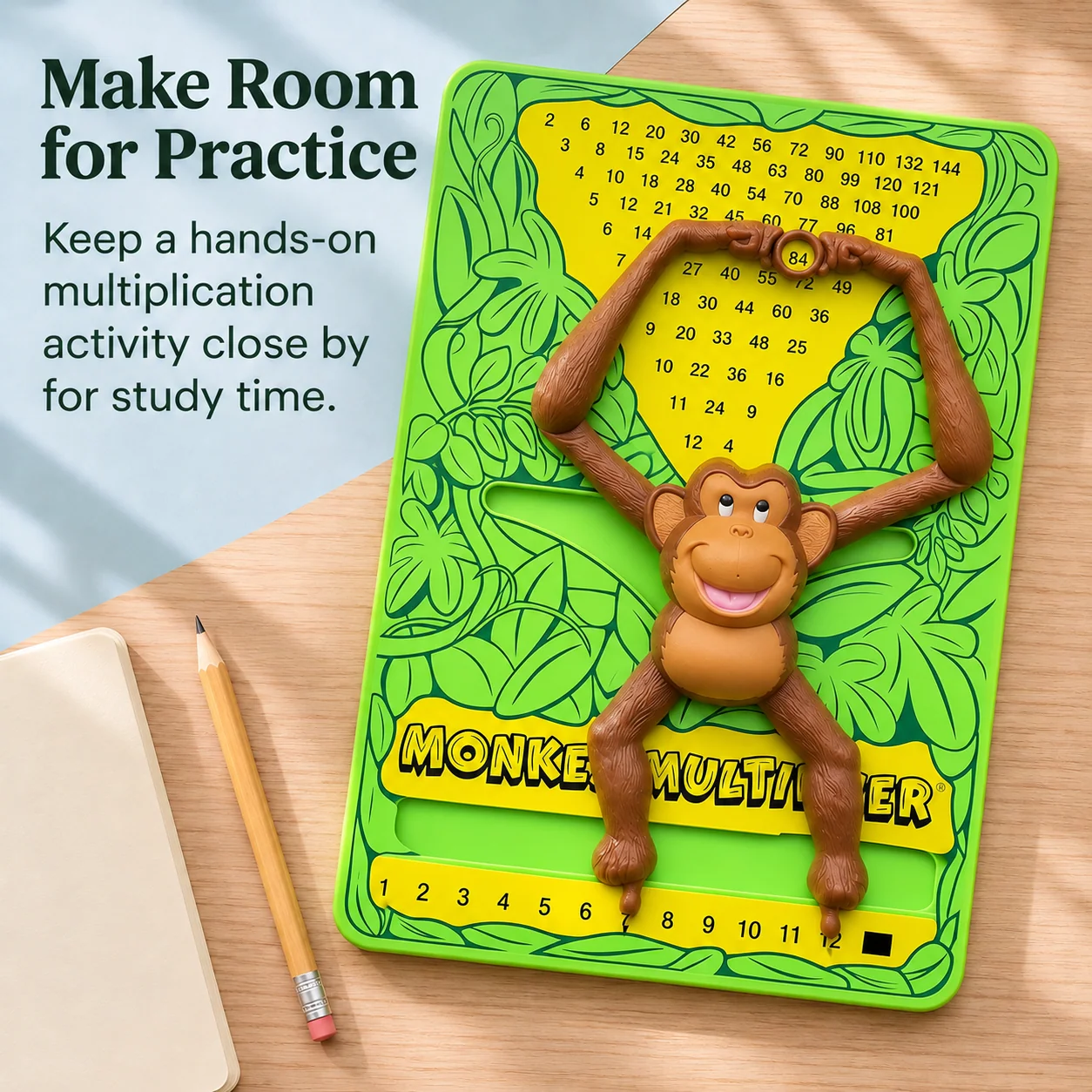
🔢 Number choices from 1 to 12 along the base.
🐒 Moving feet and linked arms to choose and check a multiplication fact.
⬛ Black square setting for multiplying a number by itself.
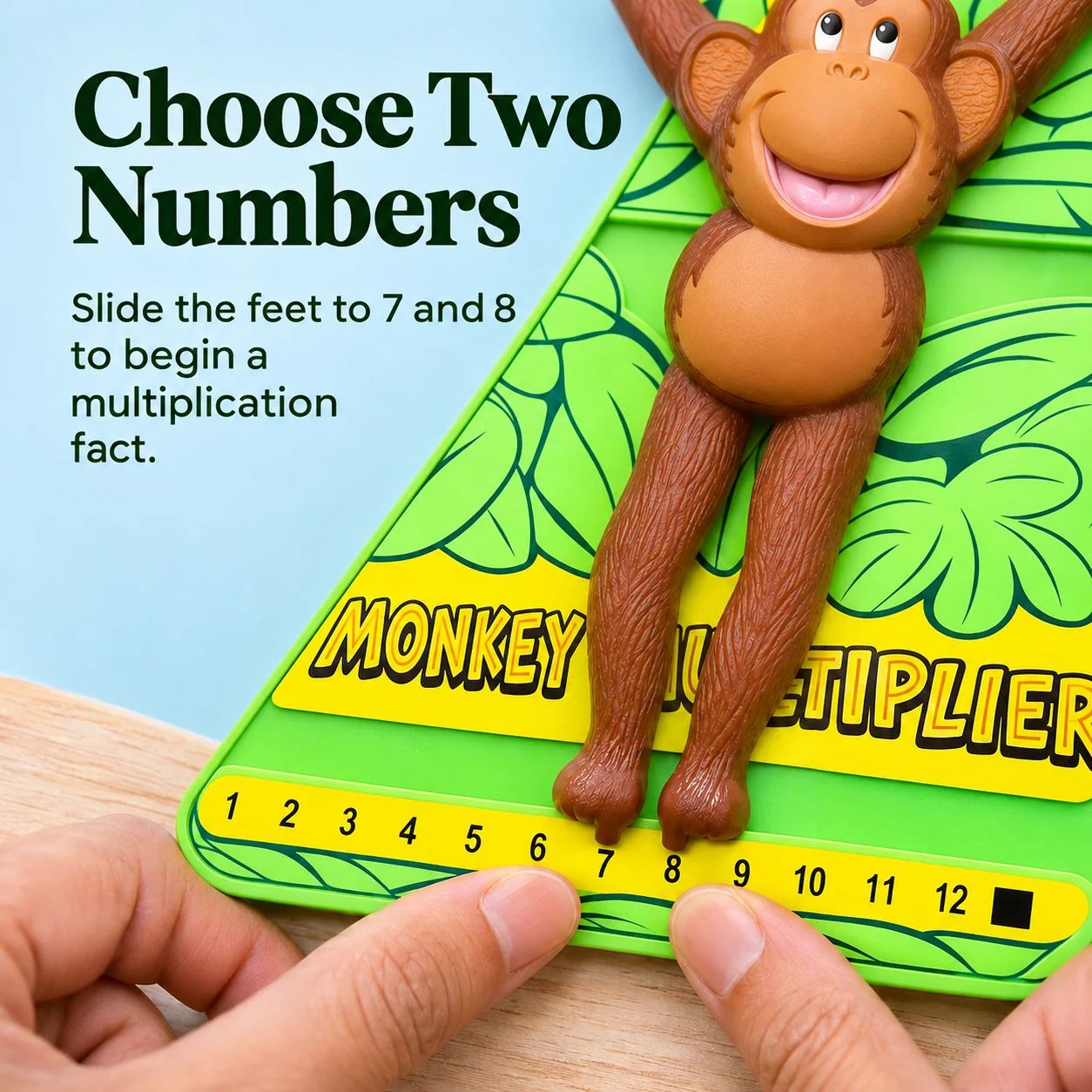
01 · Choose the Numbers
Put the Question Into Their Hands
A question such as 7 × 8 is something to read on the page.
Slide one foot to 7 and the other to 8. The two numbers are now positions they can point to on the board.
02 · Find the Answer
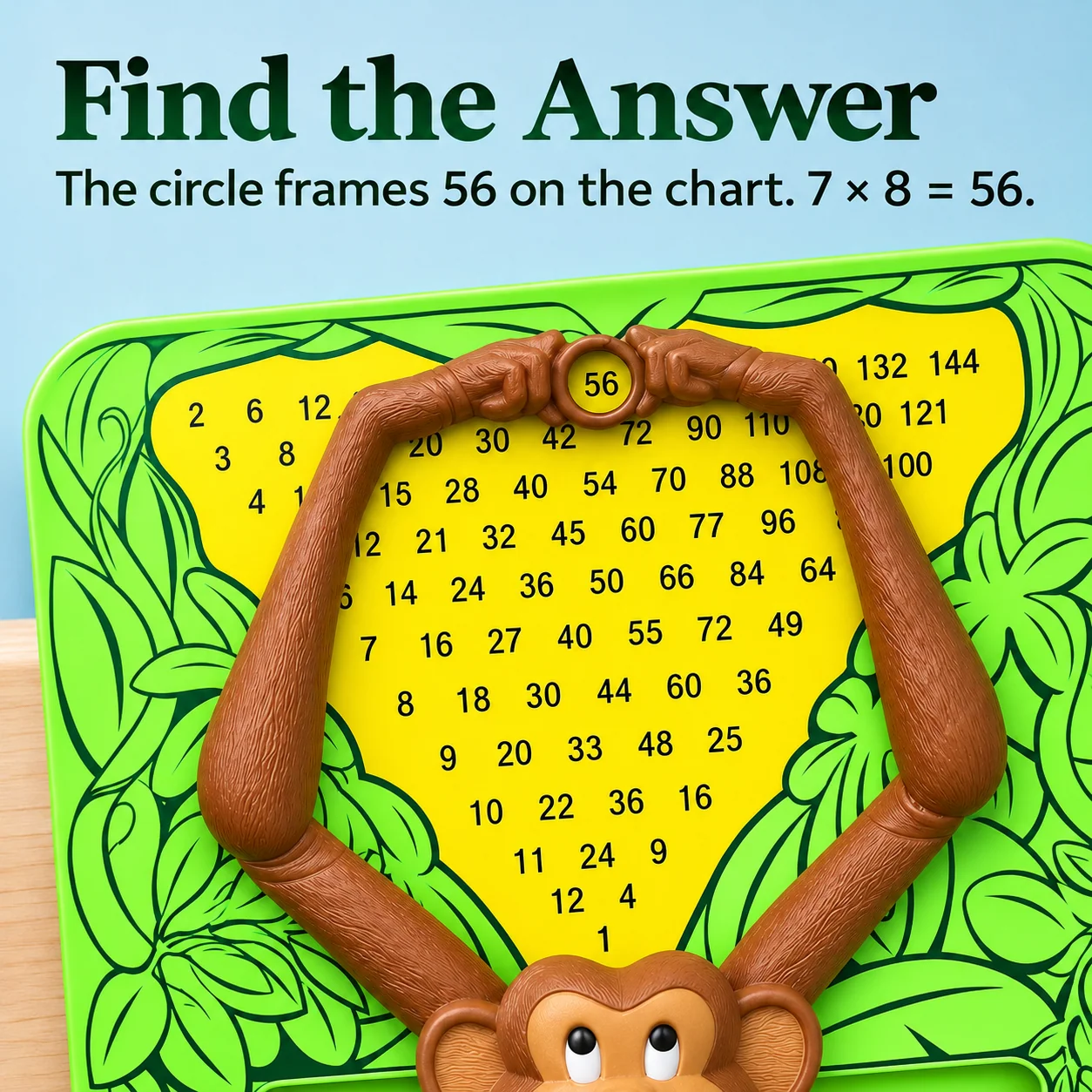
Make a Prediction, Then Check the Circle
Ask what 7 × 8 equals. Let them say an answer or work it out aloud.
The hand circle frames 56 on the chart. Compare their answer with the board and say the full fact together.
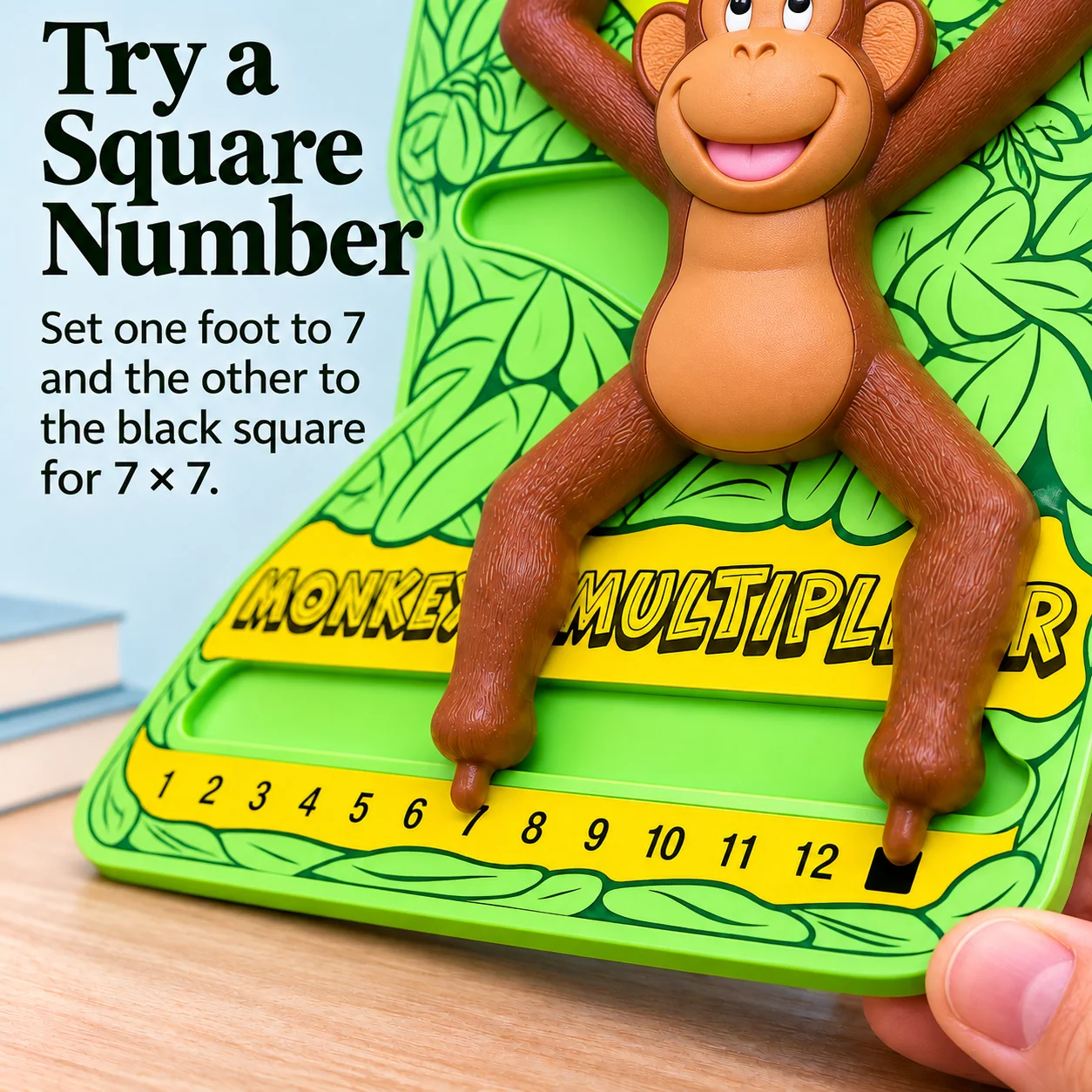
03 · Try a Square Number
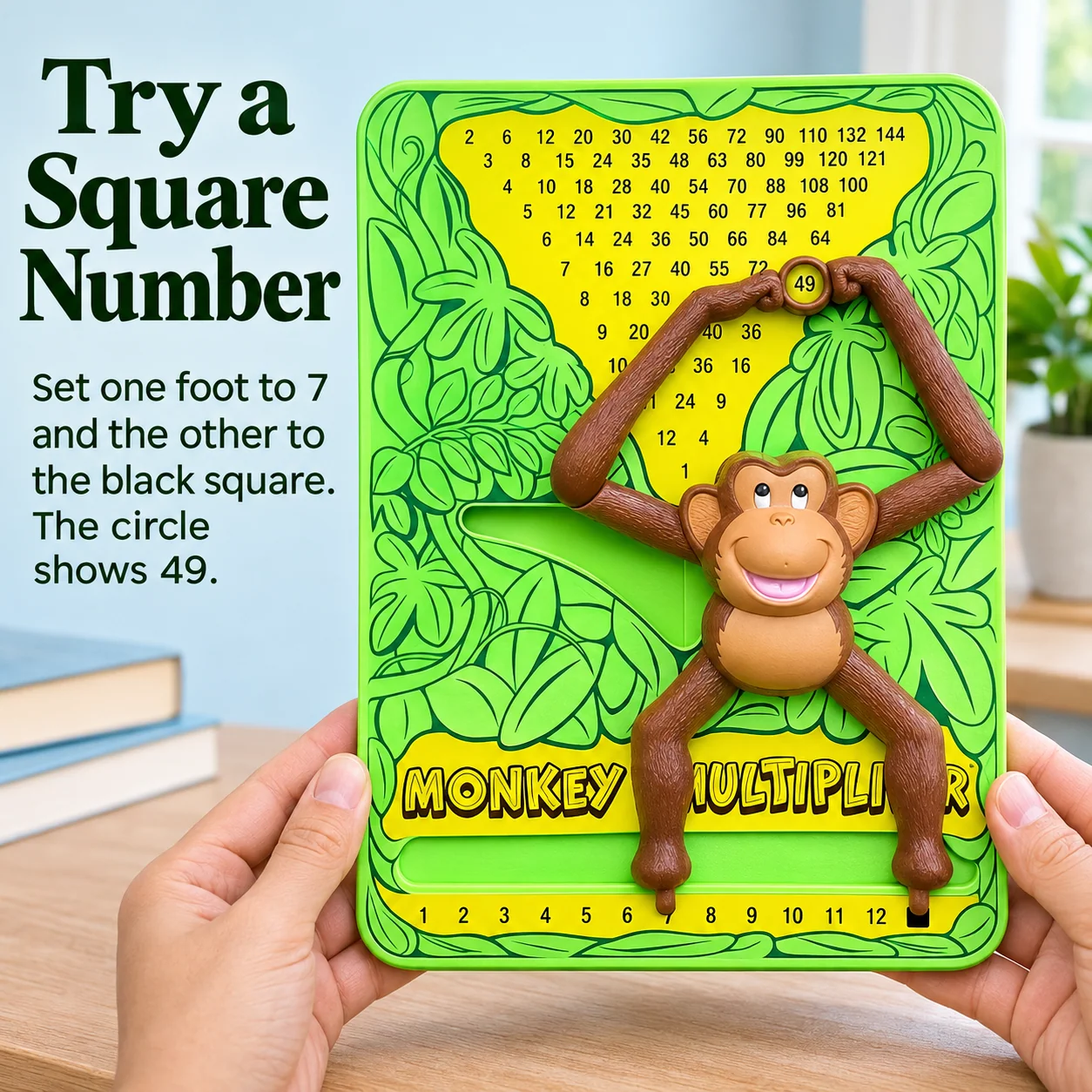
Use the Black Square for 7 × 7
You want to practice a fact such as 7 × 7, using the same number twice.
Set one foot to 7 and the other to the black square. The circle points to 49.
04 · A Playful Practice Partner
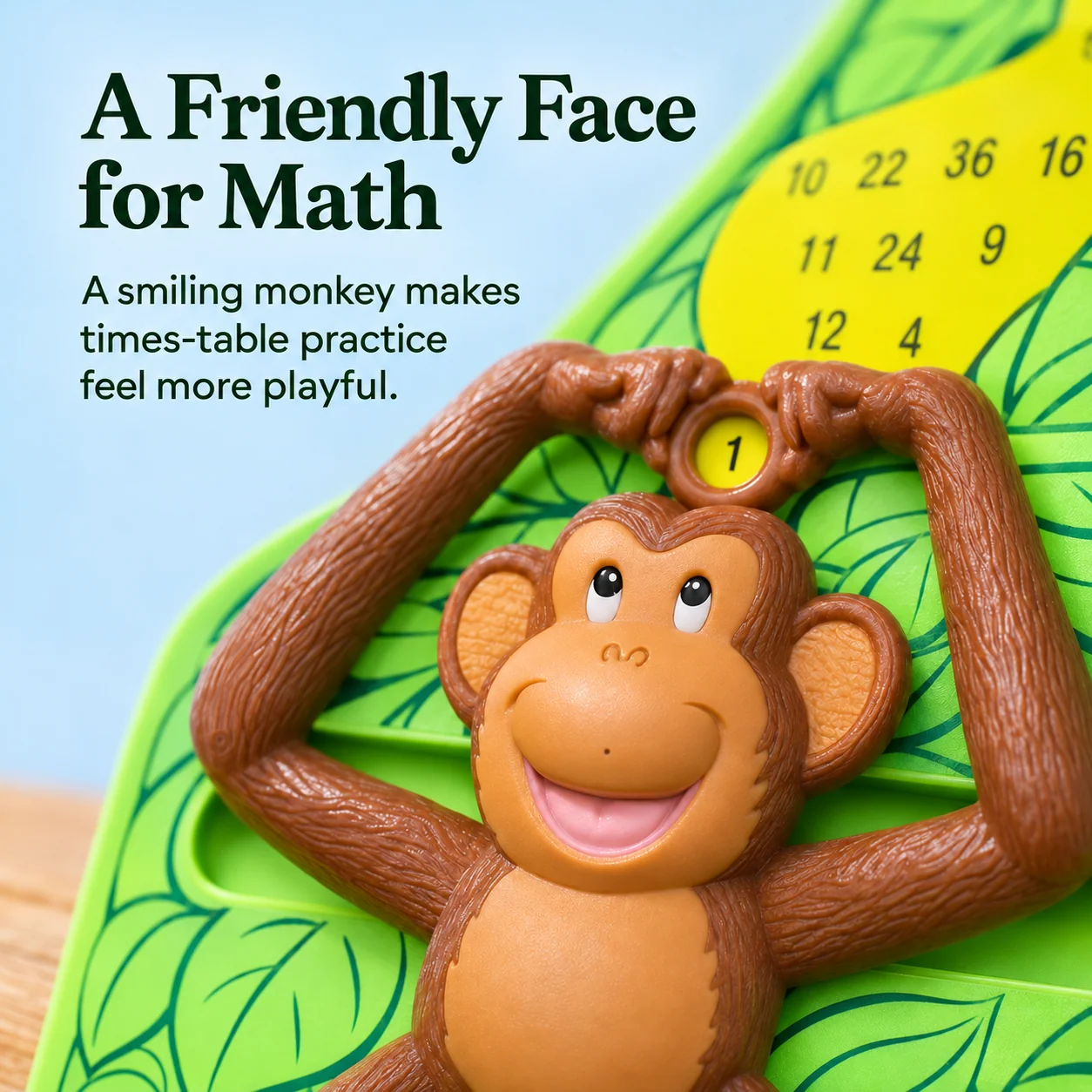
Follow the Monkey’s Moving Arms
There are rows of numbers to look through when you want to find a product.
The monkey’s arms guide the circle to one answer, with a smiling face beneath the chart.
05 · Work It Out Together
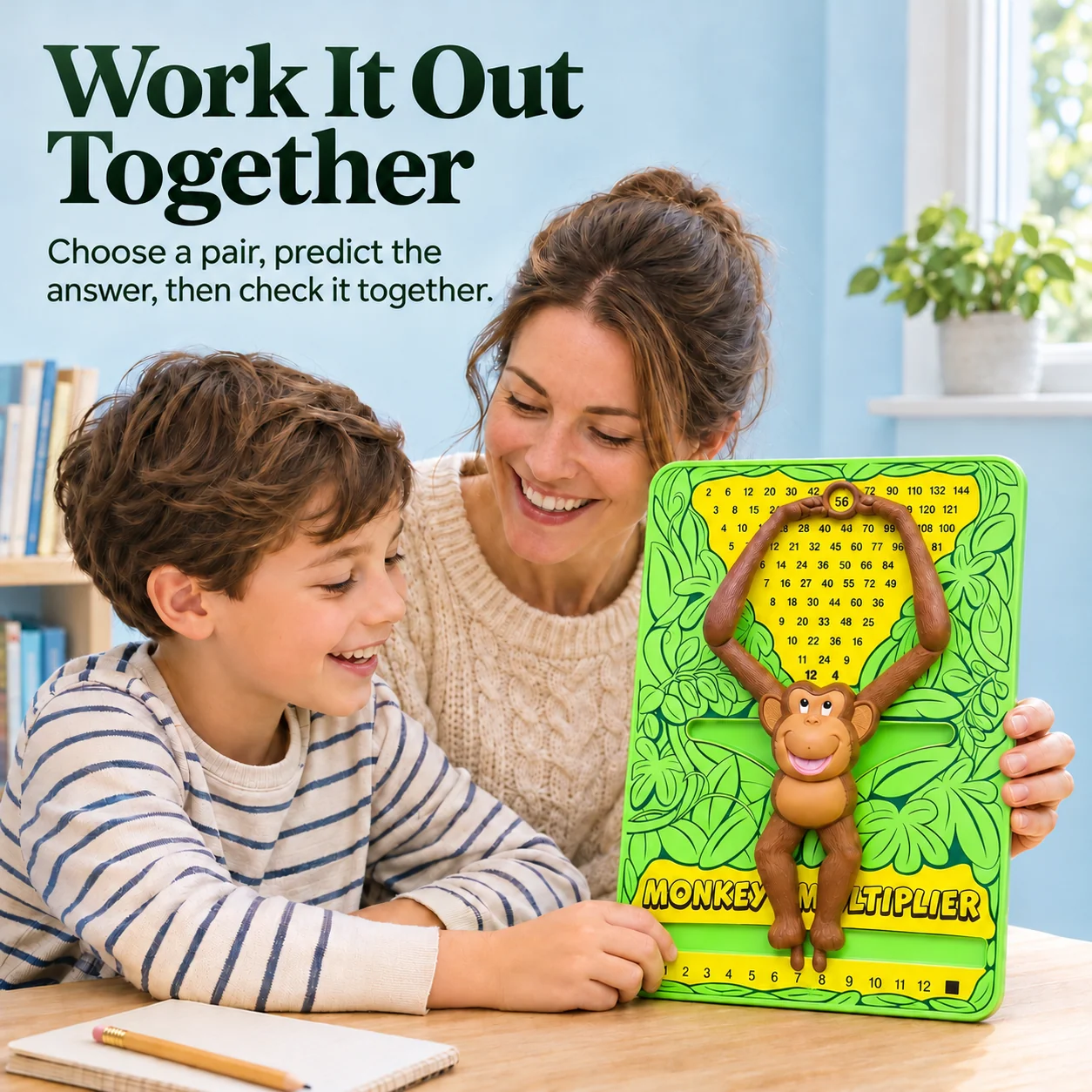
Turn the Next Question Into a Conversation
They give an answer and look to you to tell them whether it’s right.
Take turns choosing the numbers and predicting the answer. Move the feet, check the circle, and talk through the result together.
06 · Change the Setting
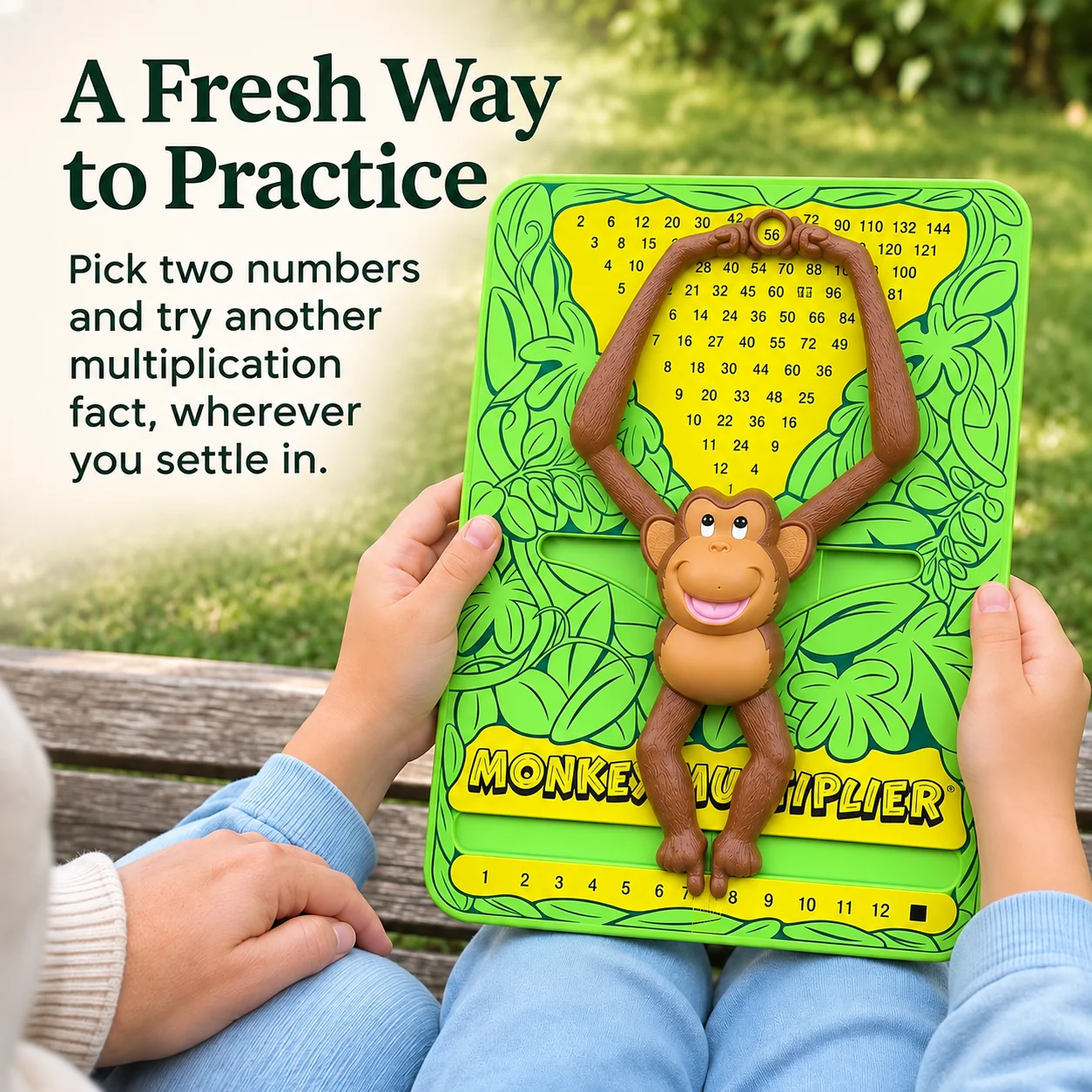
Take a Few Facts Beyond the Desk
The board sits beside the notebook as part of the homework setup.
Bring the board to a bench or another comfortable seat and try another pair of numbers together.
07 · Make Room for Practice
Keep It Close for the Next Study Session
Choose a few multiplication facts you’d like to revisit.
Predict, slide, and check a few pairs before moving on to the notebook. Pick up where you left off next time.
Product Information
The Board at a Glance
-
01 · Number Choices 1 through 12
The numbered base gives each foot a position to move to.
-
02 · Moving Parts Feet linked to arms
Changing the feet’s positions moves the circle over the chart.
-
03 · Answer Guide Circle between the hands
The circle frames the product of the selected numbers.
-
04 · Square Numbers Black square setting
Use it with a number to multiply that number by itself.
FAQ
Before the First Question
Move the monkey’s feet to the two numbers you want to multiply, then read the answer in the circle between its hands.
What does the black square do?
Use the black square for a number multiplied by itself. For example, one foot on 7 and the other on the black square gives 49.
How can we use it together?
One person chooses a pair of numbers and the other predicts the answer. Move the feet to check it, then swap roles.


